availability
Package: Invicti AppSec Enterprise (on-premise, on-demand)
Snyk SAST
Prerequisites
To ensure uninterrupted access to all required data, the selected user must be assigned the Org Admin role in Snyk.
Integration setup
To integrate Snyk with Invicti AppSec:
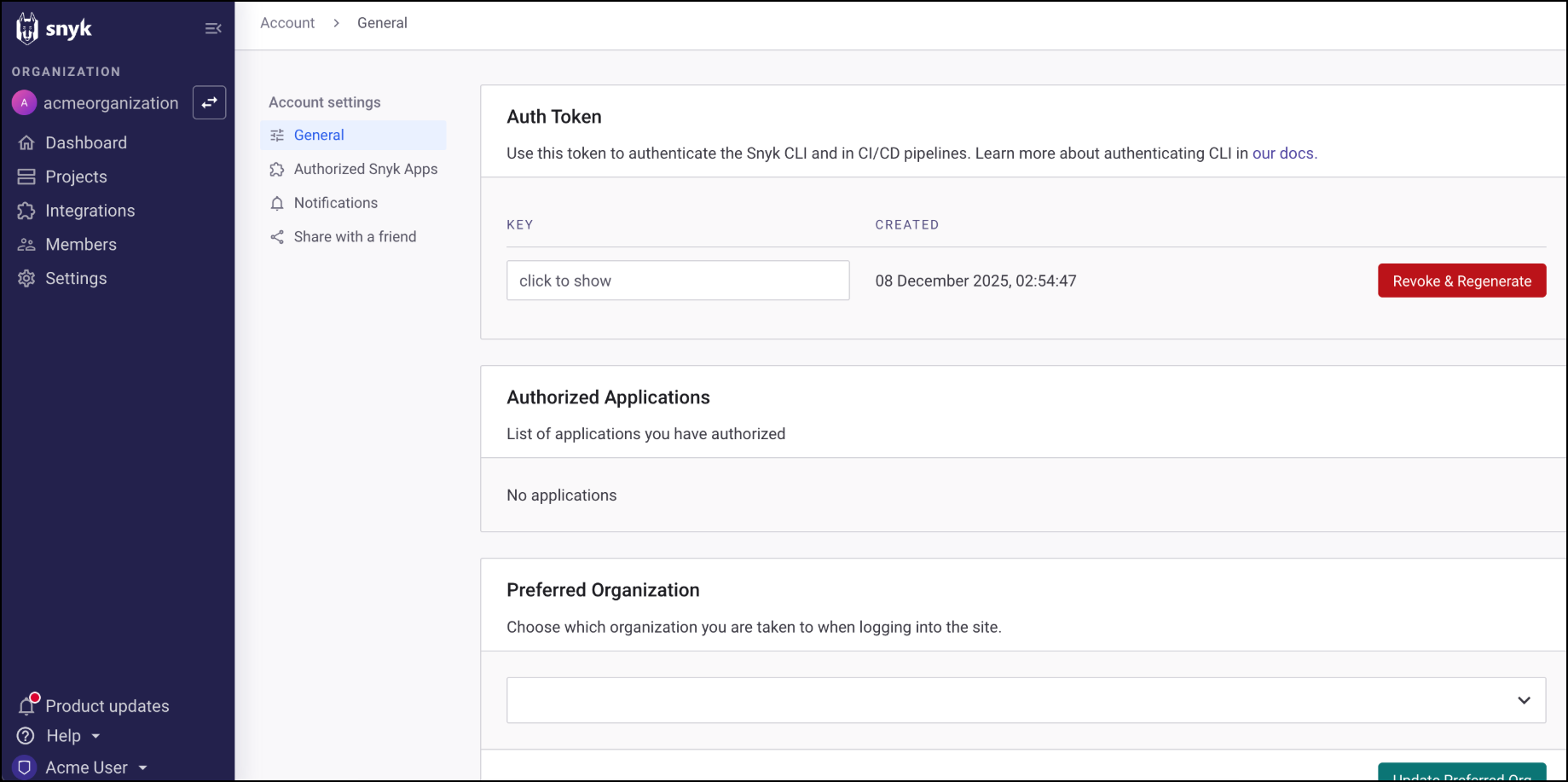
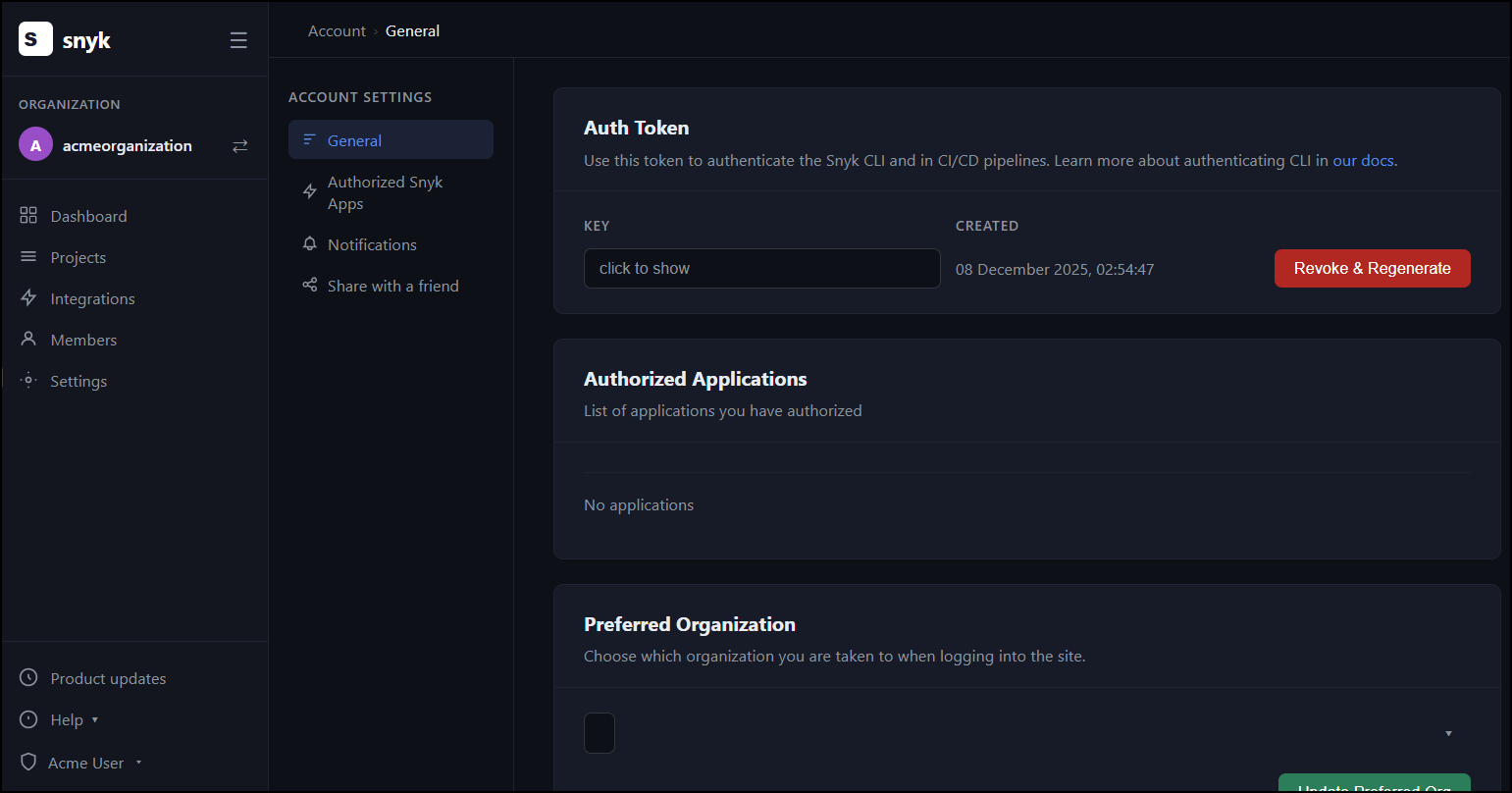
- Navigate to the Account Settings section in Snyk to obtain the user API key
- Use this API key to complete the integration within Invicti AppSec
API key requirements
Organization-level API keys are not supported for this integration. In order for scans to run successfully, a user-level API key must be provided.
Scan configuration
After completing the integration, scan parameters can be added at the project level. During scan configuration, selecting the Organization and Project is sufficient to proceed with the setup.
Need help?
Invicti Support team is ready to provide you with technical help. Go to Help Center
Was this page useful?