Integrating Invicti Enterprise with DefectDojo
DefectDojo is an open-source application security vulnerability management tool that streamlines the application security testing process. It offers features such as importing third-party security findings, merging, report generation, and security metrics.
You can integrate Invicti Enterprise with DefectDojo to send issue(s) to the issue tracking system, enabling seamless vulnerability management and automated security workflows.
This topic explains how to integrate Invicti Enterprise with DefectDojo and configure Invicti Enterprise to send a detected vulnerability to DefectDojo.
For further information about how this integration helps you about automating vulnerability management, see Efficient vulnerability remediation with Invicti and DefectDojo external documentation.
For further information, see What Systems Does Invicti Integrate With? external documentation.
DefectDojo fields
This table lists and explains the DefectDojo fields in the New DefectDojo Integration window.
| Button/Section/Field | Description |
|---|---|
| Name | This is the name of the configuration that will be shown in menus. |
| Mandatory | This section contains fields that must be completed. |
| Server URL | This is the DefectDojo instance URL. |
| Access Token | This is the Access Token for authentication. |
| Engagement ID | This is the project identifier of the issue. |
| Title Format | This is the string format that is used to create the vulnerability title. |
| Optional | This section contains optional fields. |
| Environment | This is the name of the environment. This can be, for example, production, staging, etc. |
| Tags | This is the issue's tags. |
You need to have DefectDojo Version 2.14.0.
How to integrate Invicti Enterprise with DefectDojo
Follow these steps to establish the connection between Invicti Enterprise and your DefectDojo instance:
-
Log in to Invicti Enterprise.
-
From the main menu, go to Integrations > New Integration.
-
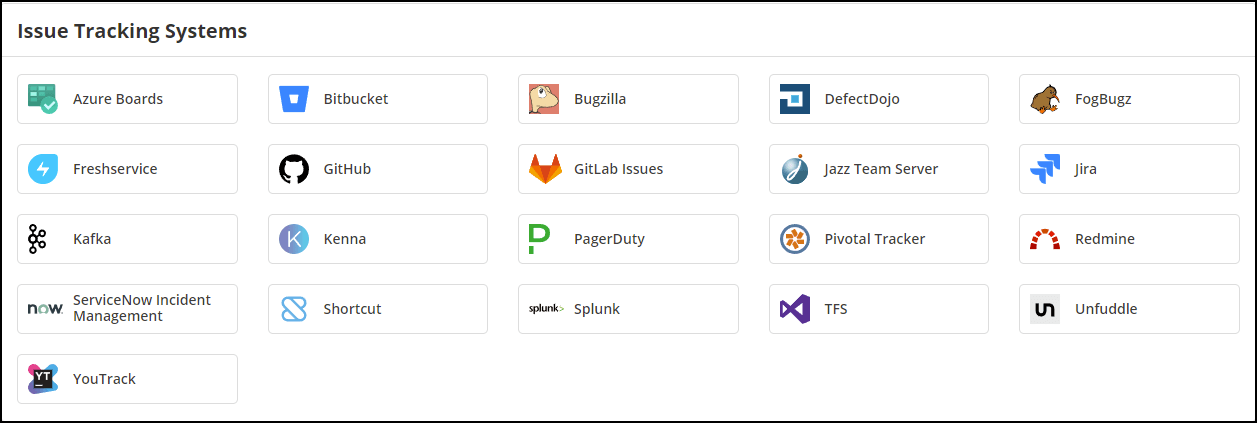
From the Issue Tracking Systems section, select DefectDojo.
-
In the Name field, enter a name for the integration.
-
In the Mandatory section, complete the connection details:
- Server URL
- Access Token
- Engagement Id
- Title Format

-
In the Optional section, add tags if required.
-
Select Save.
You can select Test Credentials to confirm that Invicti Enterprise can connect to the configured system.
How to export reported vulnerabilities to projects in DefectDojo
Please ensure that you have first configured DefectDojo integration (see How to Integrate Invicti Enterprise with DefectDojo section above).
Once notifications have been configured, you can configure Invicti Enterprise to automatically send vulnerabilities after scanning has been completed. For further information, see How to Configure a Notification to Report Vulnerabilities to an Issue Tracking System external documentation.
Need help?
Invicti Support team is ready to provide you with technical help. Go to Help Center