Package: Invicti AppSec Enterprise (on-premise, on-demand)
Veracode SCA integration
Veracode SCA (formerly Sourceclear) scans open-source dependencies in your application repositories to identify known vulnerabilities and outdated libraries. In Invicti AppSec, Veracode SCA is an import-based integration — scan results are generated by the Veracode SCA CLI (srcclr) and then imported into Invicti AppSec.
Veracode SCA is an import-based scanner. No connection credentials are required in Invicti AppSec. Scans are run locally using the Veracode SCA CLI (srcclr), and the resulting JSON report is imported into Invicti AppSec.
Prerequisites
| Requirement | Description |
|---|---|
Veracode SCA CLI (srcclr) | Install the Veracode SCA CLI on your build server or developer machine |
| Veracode SCA Agent Token | Required by the srcclr CLI to authenticate with the Veracode SCA service |
| JSON Export | Generate a JSON report using srcclr and import it into Invicti AppSec |
Get a Veracode SCA Agent Token (on Veracode Side)
- Log in to the Veracode Platform.
- Navigate to Veracode SCA > Agents.
- Click Create Agent or select an existing agent.
- Copy the Agent Token from the agent details page.
The Agent Token is used only by the srcclr CLI — it is not entered in Invicti AppSec.
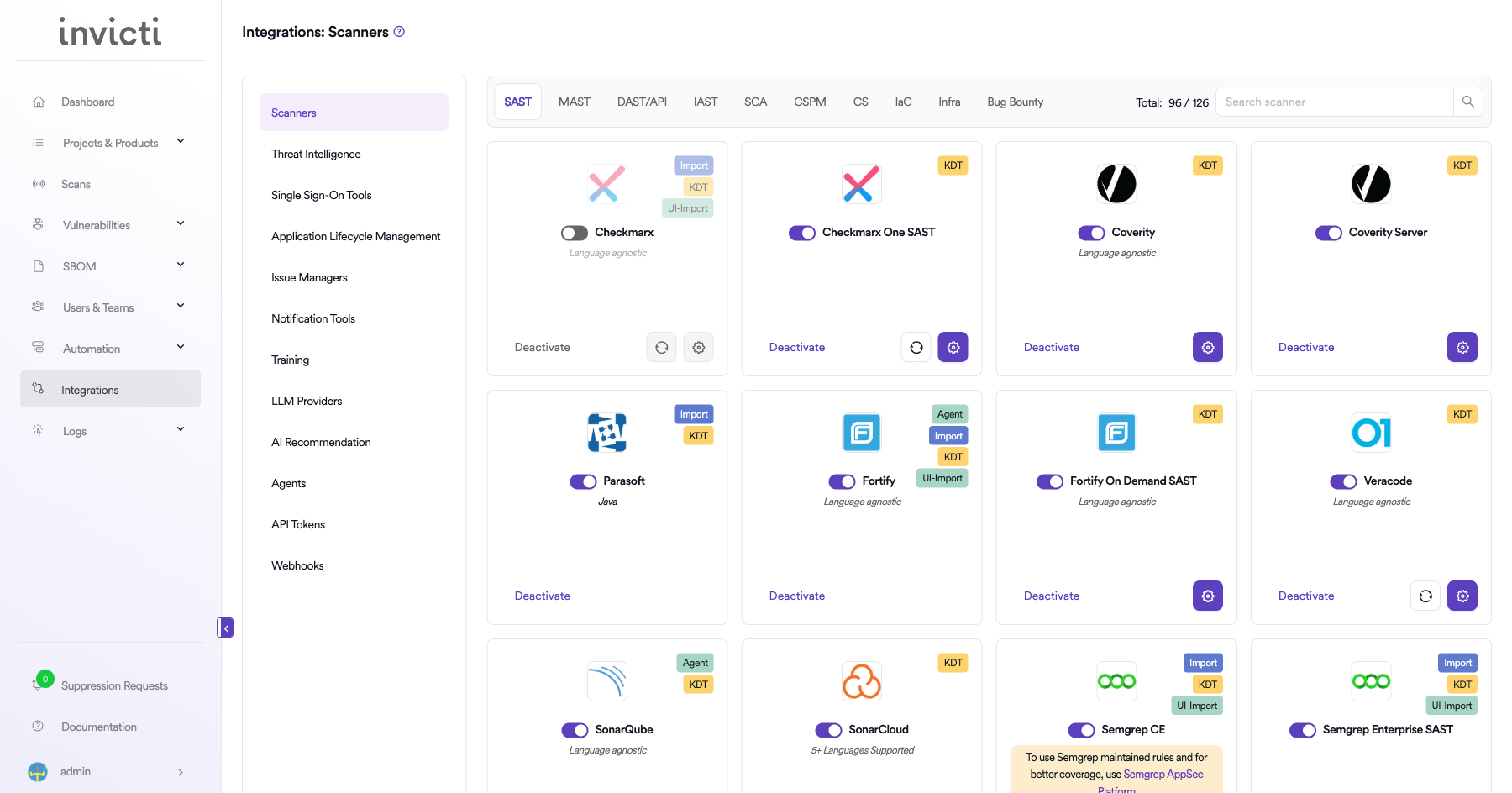
Step 1: Navigate to Integrations
From the left sidebar menu, click on Integrations.
Step 2: Select the SCA Tab
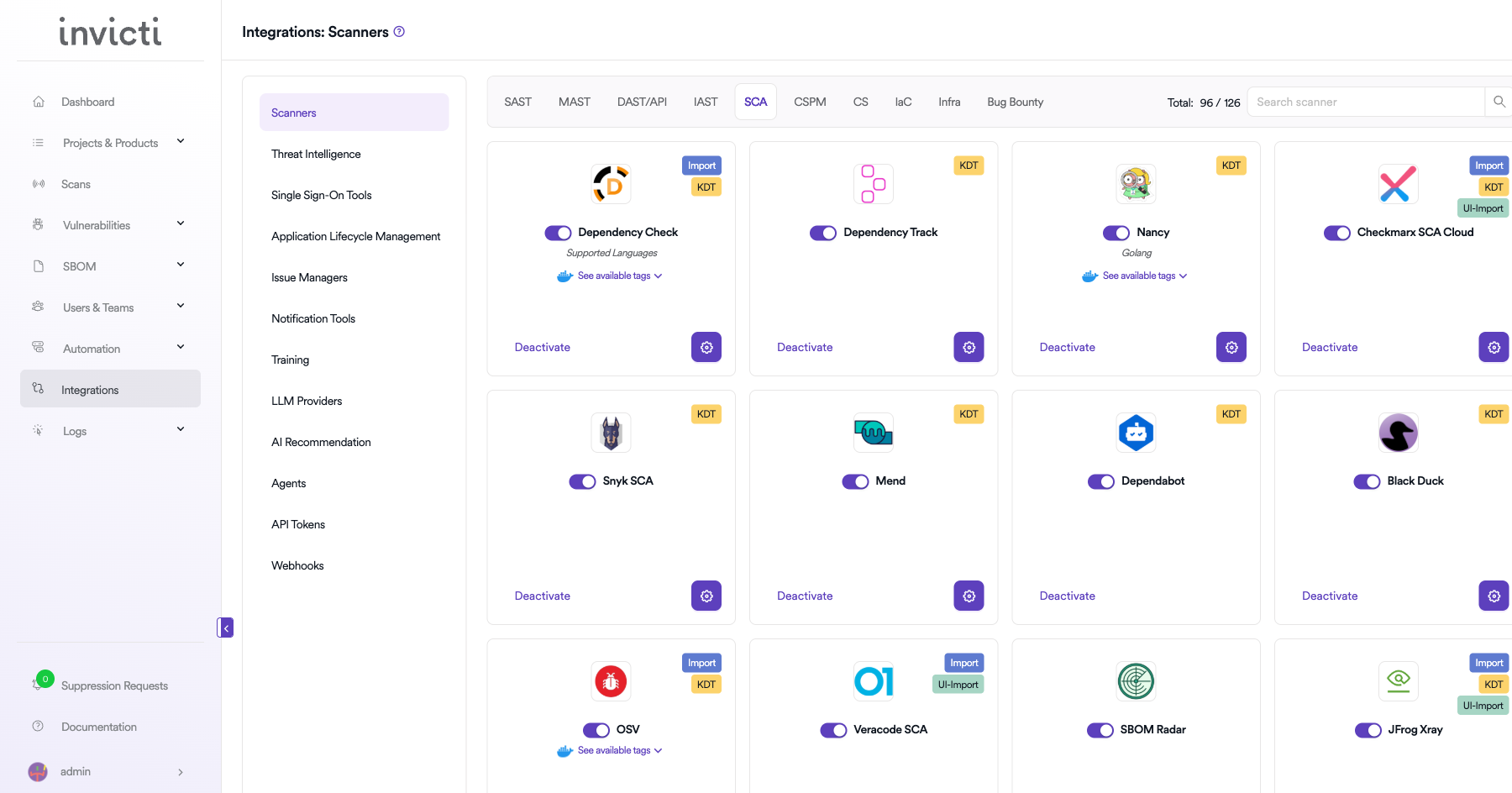
On the Integrations > Scanners page, click on the SCA tab.
Step 3: Find and Activate Veracode SCA
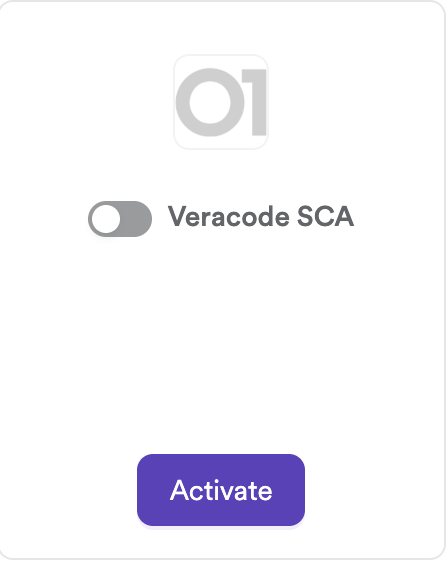
Scroll through the list of SCA scanners to find Veracode SCA.
- If Veracode SCA is not activated, click the Activate button to enable the integration.
The scan method badge on the Veracode SCA card is Import. No connection settings are required.
Step 4: Import Scan Results
Run the srcclr CLI scan and import the output file via KDT:
# Run Veracode SCA scan and generate JSON
SRCCLR_API_TOKEN=<your-agent-token> srcclr scan --json > results.json

# Import the results using KDT
kdt scan -p <project_name> -t veracodesca -b <branch_name> --file results.json
Summary
| Step | Action |
|---|---|
| 1 | Navigate to Integrations from the sidebar |
| 2 | Select the SCA tab |
| 3 | Activate Veracode SCA |
| 4 | Run srcclr CLI and import the JSON report via KDT |
Create a Scan
KDT Command
kdt scan -p <project_name> -t veracodesca -b <branch_name>
Generating the JSON Report with Veracode SCA CLI
Installation
curl -sSL https://download.sourceclear.com/install | sh
Running a Scan
# Set your agent token
export SRCCLR_API_TOKEN=<your-agent-token>

# Scan a project directory and export JSON
cd /path/to/your/project
srcclr scan --json > results.json
The results.json file is the report file to import into Invicti AppSec.
Troubleshooting
Import Issues
| Issue | Resolution |
|---|---|
| Invalid JSON format | Ensure the file was generated by srcclr scan --json. Other formats are not supported. |
| Empty results after import | The project may have no open-source dependencies, or all detected vulnerabilities are below the severity threshold. |
| Import fails with parse error | The JSON file may be corrupted or truncated. Re-run the srcclr scan and regenerate the report. |
| Duplicate findings | If the same report is imported multiple times, Invicti AppSec deduplicates based on vulnerability hashes. |
Scan Issues
| Issue | Resolution |
|---|---|
srcclr fails to authenticate | Verify the SRCCLR_API_TOKEN environment variable is set correctly with a valid agent token. |
| No dependencies found | Ensure the project has a supported package manager manifest (e.g., pom.xml, package.json, requirements.txt). |
| Unsupported language | Check the Veracode SCA supported languages list for coverage details. |
Best Practices
- Integrate the
srcclr scanstep into your CI/CD pipeline to generate fresh scan results on every build. - Use a dedicated Veracode SCA agent token per environment (development, staging, production).
- Store the agent token in your CI/CD secrets manager rather than hardcoding it in pipeline scripts.
- Always use the
--jsonflag to generate the machine-readable report format compatible with Invicti AppSec import. - Periodically check for updates to the
srcclrCLI to ensure compatibility with the latest dependency manifests.
Limitations
- Veracode SCA in Invicti AppSec is import-only — no live API connection is established, and scans cannot be triggered from Invicti AppSec.
- Only the JSON output format from
srcclr scan --jsonis supported; CSV or HTML exports are not importable. - Reachability analysis and method-level vulnerability data from Veracode SCA are not currently surfaced in Invicti AppSec findings.
- The integration does not automatically pull new scan results from the Veracode Platform; each import is a manual or CI/CD-triggered action.
Need help?
Invicti Support team is ready to provide you with technical help. Go to Help Center